
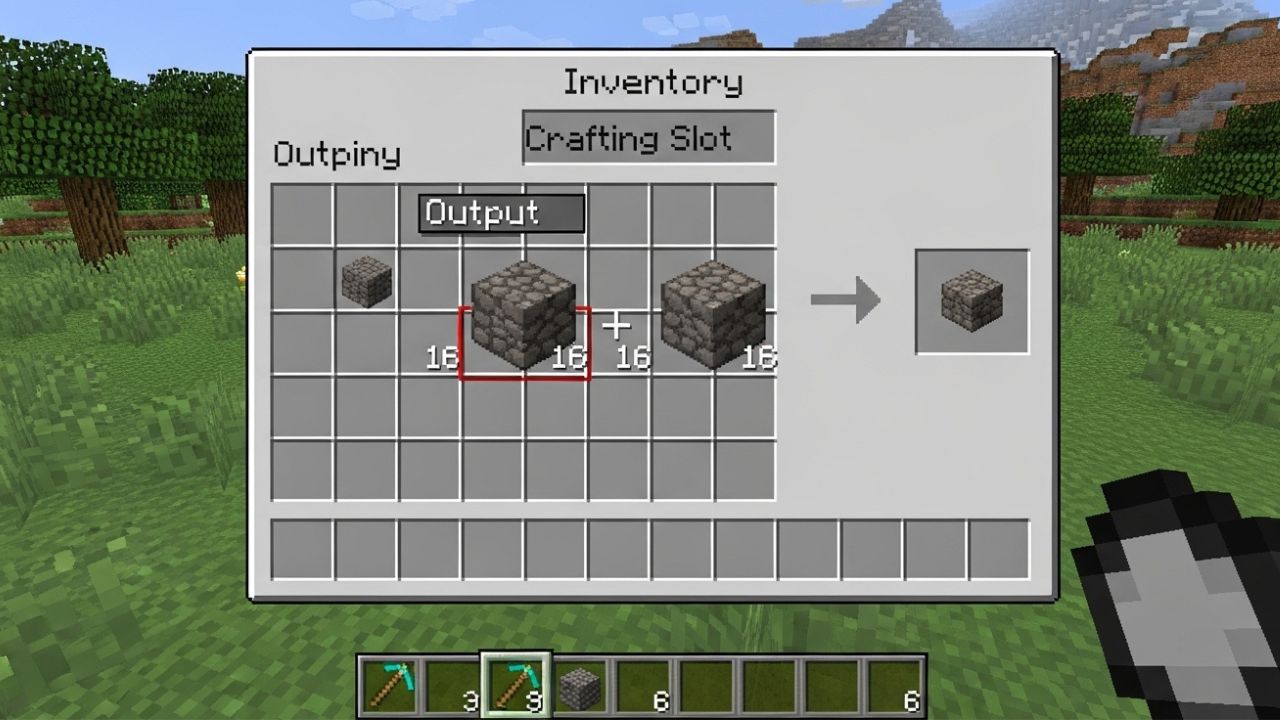
If you have ever played Minecraft, you may have encountered the frustrating question: “Why don’t my items merge on Minecraft?” Item merging, also known as stack combining, is a core feature of the game that allows identical items to occupy a single inventory slot, making inventory management easier. However, many players notice that sometimes their items refuse to merge, leading to cluttered inventories and inefficiencies. Understanding the reasons behind this issue is essential for optimizing your gameplay experience. In this article, we will explore the main causes of why items don’t merge, common scenarios, technical limitations, and practical solutions to ensure smooth item stacking in Minecraft.
How Item Merging Works in Minecraft
Before diving into why items don’t merge on Minecraft, it’s important to understand how the game’s item stacking system works. In Minecraft, most items can be stacked up to a specific limit, usually 64 for common blocks, while some items like tools, weapons, and armor cannot stack at all. The merging process occurs automatically when identical items are moved into the same inventory slot or container.
Key points about item merging:
-
Only identical items can merge.
-
The maximum stack size depends on the item type.
-
Items with special properties may not merge.
-
NBT (Named Binary Tag) data influences merging behavior.
Common Reasons Why Items Don’t Merge on Minecraft
There are several reasons that explain why items don’t merge on Minecraft. Understanding these can help players address the issue efficiently.
1. Items Are Not Identical
Minecraft only merges items that are exactly the same. Differences in name, enchantments, or other properties prevent merging. For example:
-
A diamond sword with Sharpness I will not merge with a diamond sword without enchantments.
-
Two blocks with different custom names or colors (e.g., dyed leather armor) won’t combine.
2. Stack Size Limits Reached
Each item has a maximum stack size. If one stack has reached this limit, additional identical items will remain in separate slots, even if they appear similar.
3. Differences in NBT Data
Items in Minecraft may carry NBT (Named Binary Tag) data, such as:
-
Custom names
-
Enchantments
-
Potion effects
-
Durability
Even minor differences in NBT data prevent merging. For instance, two potions with slightly different durations will not combine.
4. Modifications or Plugins
If you are using mods, plugins, or custom servers, these can affect item merging. Certain mods may alter inventory behavior, item properties, or stack limits, causing items not to merge.
5. Server Lag or Client Desync
In multiplayer environments, server lag or client desynchronization can temporarily prevent items from merging. The server may not update your inventory instantly, creating the illusion that items refuse to stack.
Specific Items That Commonly Don’t Merge
Some items in Minecraft are more prone to merging issues due to inherent game mechanics. Examples include:
-
Enchanted tools or weapons: Each enchantment combination creates a unique item.
-
Potions: Differences in effects, durations, or custom labels prevent merging.
-
Named items: Any custom-named item (using an anvil) won’t merge with its default counterpart.
-
Leather armor: Dyed armor with different colors can’t stack.
-
Written books: Each book is unique once signed.
How to Fix Items That Don’t Merge in Minecraft
While some situations prevent merging naturally, there are practical steps to address why items don’t merge on Minecraft:
1. Ensure Items Are Identical
Check that the items you want to merge are identical in type, properties, and enchantments. Use a clean, unmodified version if necessary.
2. Repair or Combine Tools in an Anvil
For tools, weapons, or armor with durability differences, you can use an anvil to combine them. This creates a single item with merged durability and can sometimes allow further merging with identical items.
3. Remove Custom Names or NBT Data
If you want items to merge, remove any custom names, enchantments, or tags that differentiate them. This can be done using:
-
An anvil to rename items to default names
-
Commands to remove NBT data
4. Manage Inventory Stack Sizes
Check your inventory slots to ensure no stack has reached the maximum limit. Distribute items in a way that allows merging into empty or partially filled stacks.
5. Restart or Refresh Your Game
Sometimes, temporary glitches prevent items from merging. Restarting Minecraft or reconnecting to the server can resolve minor client-server desynchronization issues.
Tips for Better Inventory Management
Proper inventory management helps prevent merging issues and keeps your gameplay smooth. Consider the following tips:
-
Use Shulker Boxes: These provide additional storage and help organize items by type.
-
Sort by Type: Group similar items together to allow natural merging.
-
Avoid Over-Enchanting: Too many custom properties increase NBT complexity, reducing merge potential.
-
Regularly Repair Tools: Keep equipment in top condition to simplify stacking and combining.
-
Use Creative Mode for Testing: If experimenting with items, creative mode lets you identify merging behavior without affecting your survival inventory.
Understanding Game Limitations
Even with careful management, some restrictions in Minecraft prevent item merging permanently:
-
Tools, armor, and weapons generally don’t stack.
-
Unique potion effects and enchanted books are designed to remain separate.
-
Custom servers may impose their own stacking rules.
Accepting these limitations helps players avoid unnecessary frustration when items won’t merge.
Conclusion
Why don’t my items merge on Minecraft is a question that often arises due to item differences, NBT data, enchantments, stack limits, or server conditions. By understanding these factors and implementing practical solutions like using an anvil, checking stack sizes, or removing custom properties, players can maximize inventory efficiency. While some items are inherently unstackable due to game mechanics, most merging issues can be resolved with careful management. Mastering item merging not only improves organization but also enhances your overall Minecraft experience, making exploration, building, and survival gameplay smoother and more enjoyable.